
When i try to start a Sri Lankan audience-focused website i need to register a new domain name under .lk domain extension. In my research i found the Register.lk website to get the .lk domain registration. here i sharing my own experience about the registration process and what I did.
Checking Domain Availability and Choosing the Right Extension
I opened the Register.lk website. I saw the well-organized domain extensions they provide for registration, Such as .lk, .com, .online, .web.lk,. edu.lk, etc. These extensions are at different price levels for the registration process; you can see the all prices visitng the website.
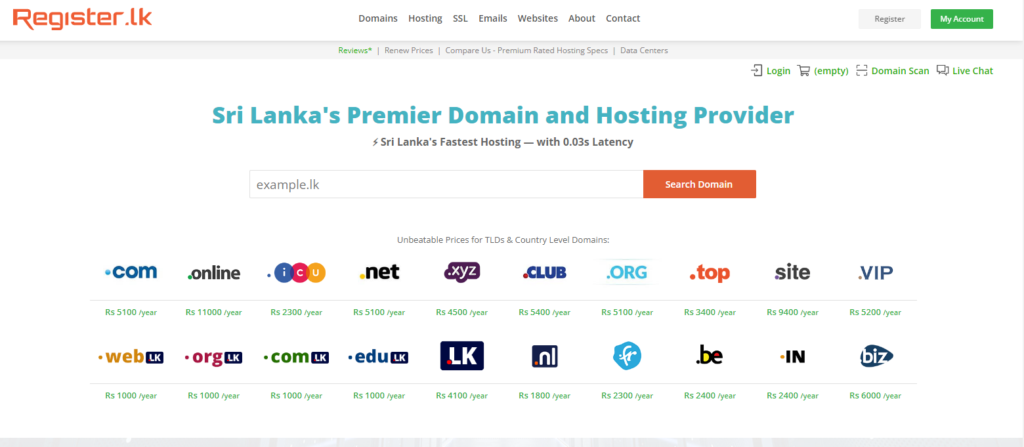
My goal is to register a .lk domain, so I search my domain name using the “search domain” search bar, which I need to check. After my domain name is available, I create an account and register a new account using the right-corner “My Account” Button.
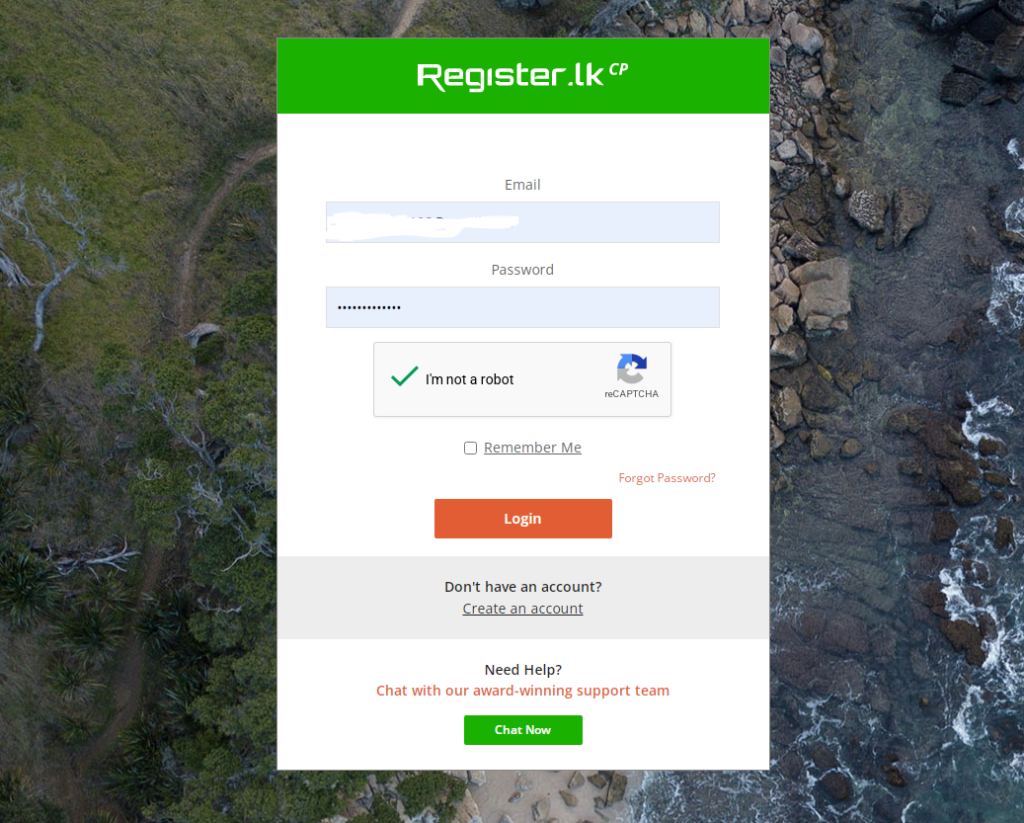
Make sure all input details are true and correct information from your end.
after succesfully create the account, i purchesd the my domain name, which i search the search bar area.
Uploading Verification Documents and Legal Compliance
Registering a .lk domain is not like as international domain registration; it needs to submit several documents. After I paid the amount (4700.00 LKR), I had to submit this information to activate my domain name.
- National Identity Card or Driving Licence (front and back photos)
- Name and Full address
- Purpose of the domain and website category
I see the side of the process if you registered as a company in Sri Lanka, you need to fill in additional details.
- Business registration number
- Business name
- Official aggrement sign with company letterhead
After i submit all the required documentation and details, the overall process takes up to 12 hours to activate my domain.
Configuring Nameservers and Connecting to Hosting
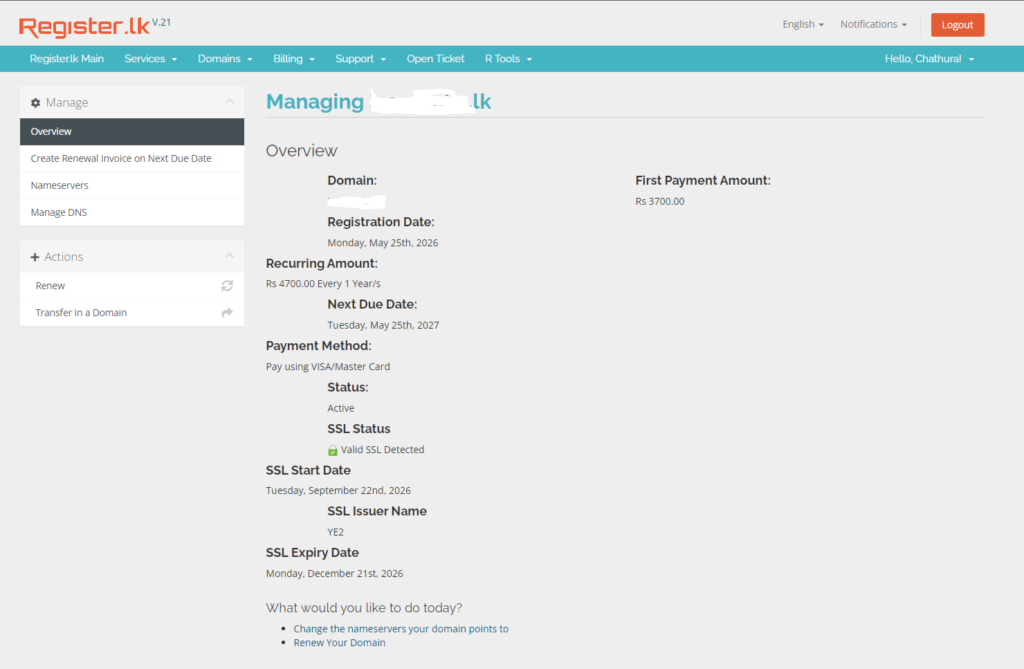
Complete the verification process. I need to hange my domain Nameservers and connect to my web hosting found the dashboard under the “Manage Nameservers ” tab.
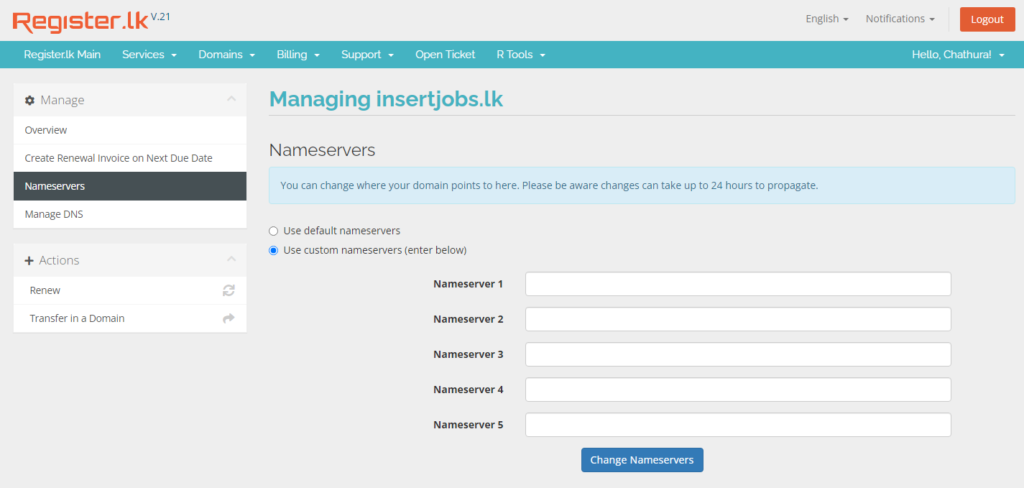
I see 2 option has to select one of, use default nameservers or use custom nameservers. I use third-party hosting so I select 2nd option: use custom nameservers. After changing the nameservers, it takes up to 24 hours to update.
In my past experiance some time it updates within less than 6 hours.
How to Renew and Check Billing Details
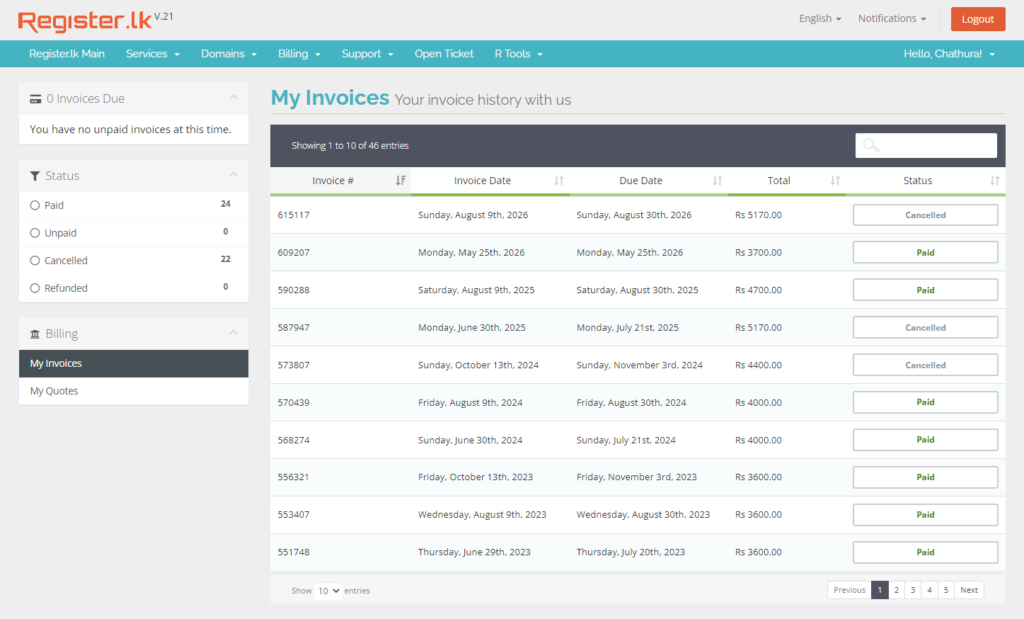
In my personal experience, register.lk is the minimum renewal amount to pay for the renewal. You can find your renewal details through the dashboard under the “Billing” section and register.lk team sends the invoice to your registered email addres also.
Common Mistakes I Made
During the registration process, i make the SSL certificate selection mistake; if you select extra services(ex: addon SSL certificates) you need to pay an additional amount.
Also, Register.lk provides hosting services; if you select an additional hosting plan instead of purchasing a domain, you need to pay extra amount.
Nameservers updates
Another i make the nameserver update using the default nameserver slot. it only used if you are using Register.lk hosting services.
Troubleshooting & Common Errors
Nameservers update time
after you successfully change the nameservers, it can take 24 hours to update your new nameservers. In this time period, you can’t activate your website.
Payment Failed During the Purchase
Some time i face payment faild eroor screen during my purchase window; if you see this error commonly case your debt card not enough balance or internet connection strenth. As a solution, you can check your balance in your bank account before the payment and check your internet connection.
| Visit register.lk Official website | https://register.lk/ |
| Get extra support | https://register.lk/contact.php |
| Global DNS Propagation | 24 Hours |
| Find more related articles | Click here |